
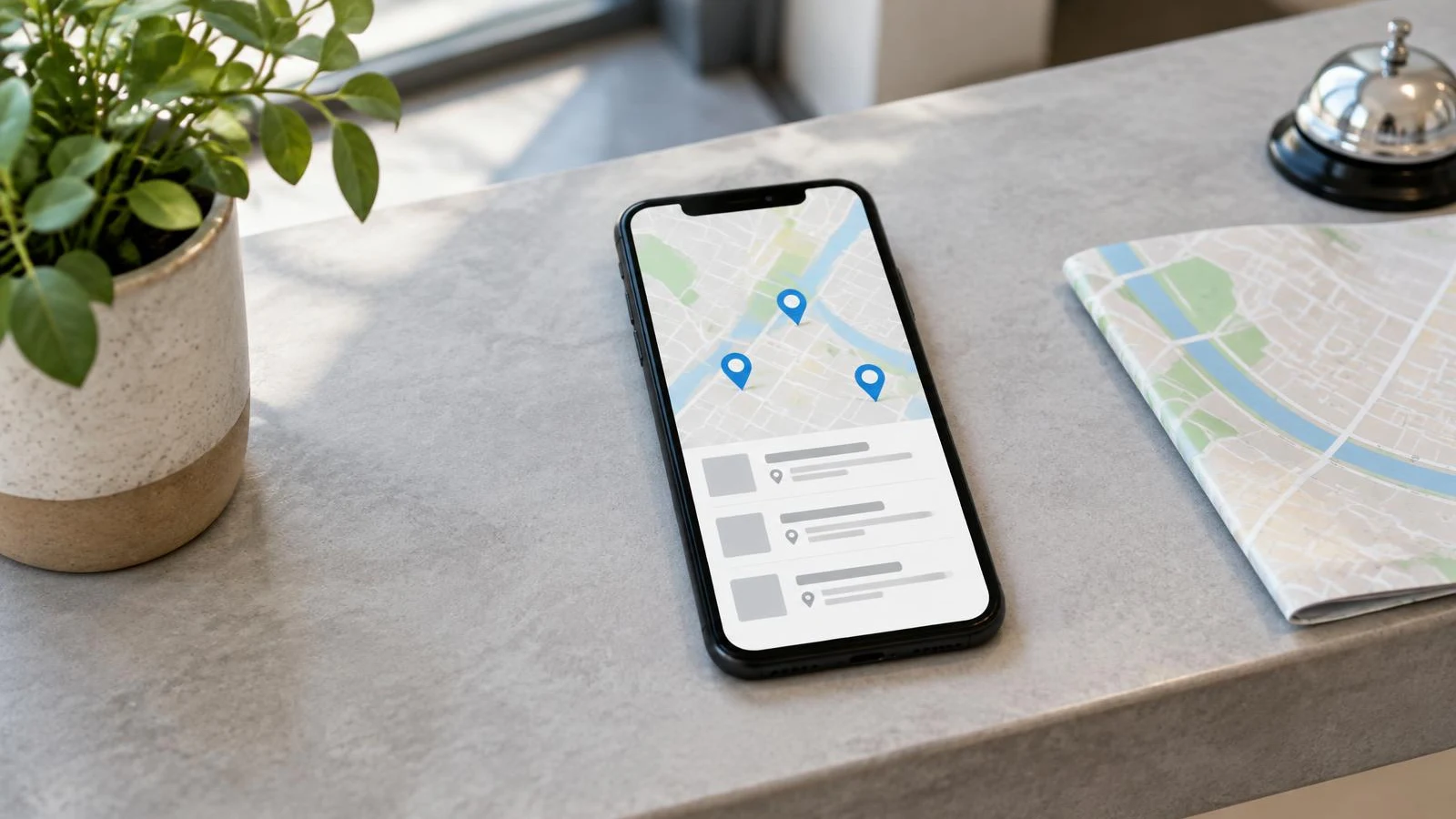
When someone searches for a dentist, a biryani place or a sofa showroom nearby, Google shows a short list of businesses with a map, star ratings and a call button. Being in that list often decides who gets the visit. This local SEO checklist walks through the work that helps you get there, in the order that usually makes sense, with the rules you need to stay inside.
It is written for clinics, restaurants, local service providers and showrooms: businesses whose customers are a short drive or walk away.
What does a local SEO checklist cover?
A local SEO checklist covers the tasks that help a business appear in Google Maps and the local results on Google Search. The core areas are:
- a complete, verified Google Business Profile
- consistent business name, address and phone number (NAP) across the web
- a steady flow of genuine customer reviews
- useful location and service pages on your website
- LocalBusiness structured data
- accurate citations and relevant local links
- a technically sound, mobile-friendly website
- tracking of the calls, direction requests and enquiries that local search produces
The rest of this guide explains each one, what to check, and what to avoid.
How Google decides which local businesses to show
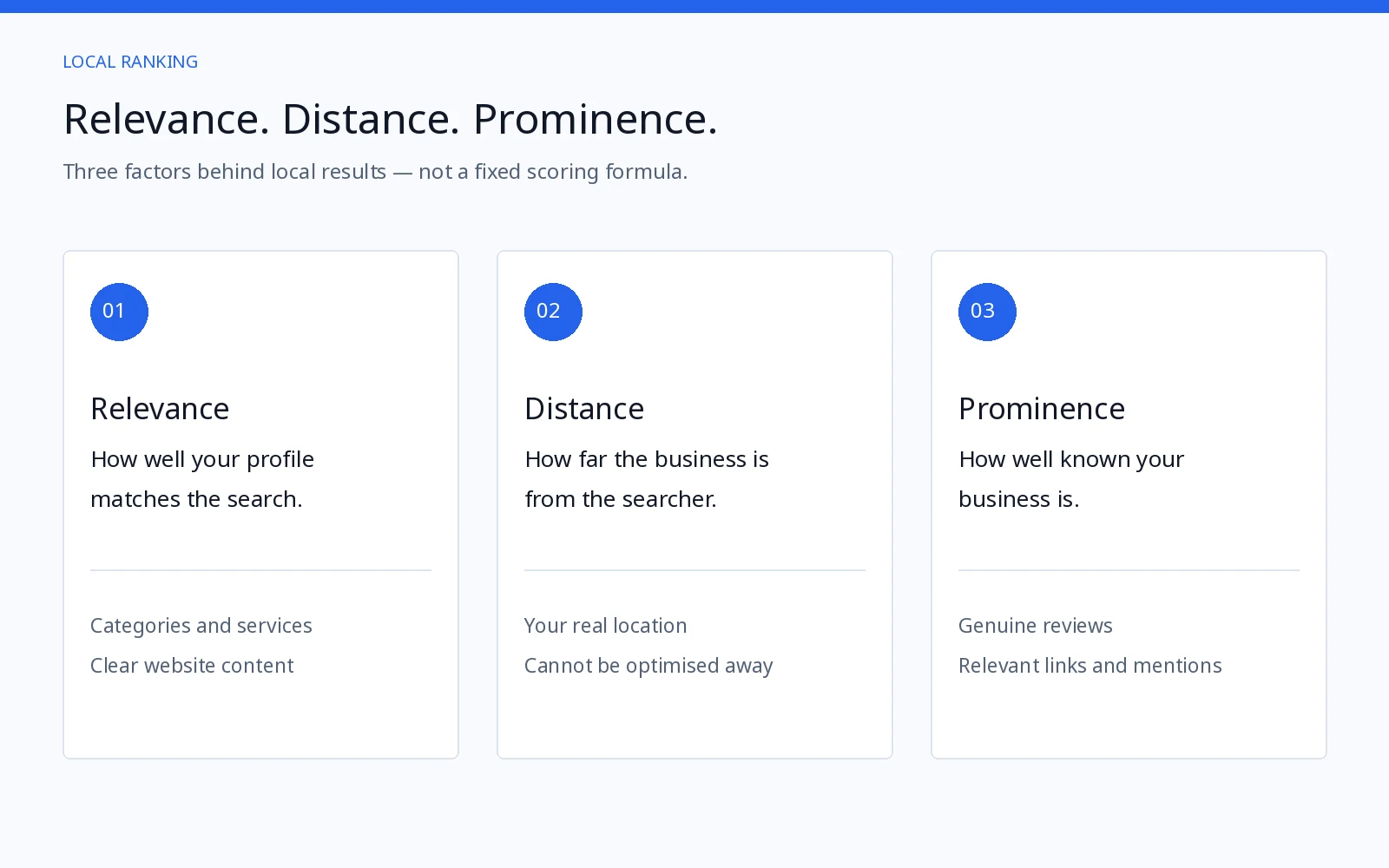
Google says its local results are based mainly on three factors: relevance, distance and prominence (Google Business Profile Help).
| Factor | What it means | What you can influence |
|---|---|---|
| Relevance | How well your profile matches the search | Categories, services, description, website content |
| Distance | How far you are from the searcher or the place they typed | Very little. Your real address is your address |
| Prominence | How well known your business is | Reviews, links, mentions, your website’s search visibility |
Google also states that review count and review score factor into local ranking, and that your position in web results matters too, so ordinary SEO practices still apply (Google). Google does not publish how much each factor weighs, and there is no way to pay for a better local position.
Keep this in mind as you work through the list. Almost every task below strengthens relevance or prominence. None of them change distance.
Before you start: confirm how your business should appear
Getting the setup wrong is the most common reason a profile gets suspended or never ranks. Google’s guidelines for representing your business set out who qualifies and how. Decide which of these describes you:
- Storefront business. Customers come to you at a staffed address during opening hours, such as a clinic, restaurant or showroom. Show your address.
- Service-area business. You travel to customers and do not serve them at your premises, such as a plumber, pest control firm or home tutor. Hide your address and set a service area instead.
- Hybrid business. You serve customers at your address and also travel to them, such as a garage with roadside assistance. Show the address and add a service area.
A few rules catch many businesses out:
- Virtual offices and P.O. boxes are not eligible. A co-working space only qualifies if you have signage there, receive customers during posted hours and staff it with your own team.
- Keep one profile per physical location.
- Service areas should generally stay within about two hours’ drive of your base.
- Individual doctors, lawyers and similar public-facing practitioners can have their own profile, separate from the practice’s profile.
The local SEO checklist at a glance
| Stage | Task | Main factor helped |
|---|---|---|
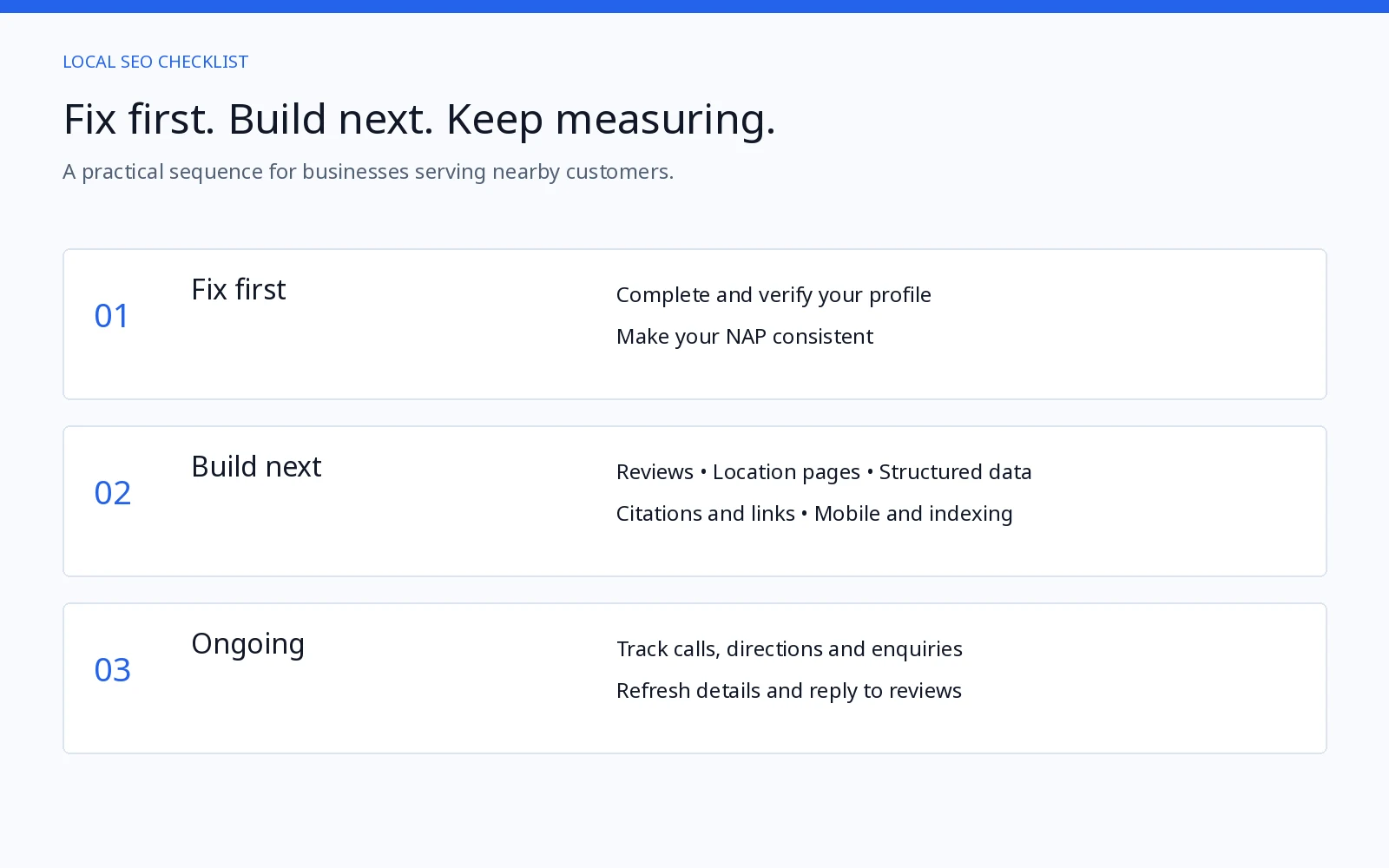
| Fix first | Claim, verify and complete your Google Business Profile | Relevance |
| Fix first | Make NAP consistent on your site, profile and key listings | Relevance, trust |
| Build next | Start a policy-safe review process | Prominence |
| Build next | Create or improve location and service pages | Relevance |
| Build next | Add LocalBusiness structured data | Relevance |
| Build next | Clean up citations and earn local links | Prominence |
| Build next | Check mobile, speed and indexing | Prominence (web ranking) |
| Ongoing | Track calls, directions and enquiries | Measurement |
1. Claim, verify and complete your Google Business Profile
Your Google Business Profile is the listing that appears in Maps and in the local results. Google notes that verifying it signals you are authorised to represent the business, which makes it more likely to show in results (Google). If someone else, such as a former agency or employee, already controls the profile, request access through Google rather than creating a duplicate.
Always keep ownership in the business’s own Google account. Give agencies manager access, not ownership.
Business name, address and hours
Use the name customers see on your signage, website and invoices. Do not add keywords, locations or taglines. “Sharma Dental Clinic” is fine; “Sharma Dental Clinic Best Dentist in Salt Lake” breaks Google’s name rules and can lead to suspension.
Enter the exact address, including floor or unit if relevant. If Google cannot find your address, place the pin manually.
Add your regular customer-facing hours and use special hours for holidays. Two details matter here. Appointment-only businesses are told not to list hours, and businesses with several sets of hours should show the main customer experience, such as dine-in hours for a restaurant (Google).
Categories and services
Your primary category tells Google what your business is. Google asks you to pick the fewest categories needed and the most specific one available (Google). A children’s dentist should look for a paediatric dentistry category before falling back to “Dentist”.
Add secondary categories only for things your business is, not things it merely offers. Then use the services or menu section to list what you actually provide, in the words customers use: “root canal treatment”, “teeth whitening”, “sofa repair”, “Sunday brunch”.
Description, photos, products and posts
Write a plain description of what you do, who you serve and what makes you different. Avoid links, prices and promotional claims you cannot back up.
Upload real photos: the exterior (so people recognise the building), interior, team, and your work or products. A showroom benefits from photos of the display floor; a restaurant from its dishes and seating.
Posts let you share offers, events and updates. They will not fix a weak profile, but they keep it current and give customers a reason to act.
What happened to Questions and Answers
Many older checklists tell you to add your own questions to the Q&A section. Google has been removing the Q&A feature and replacing it with an AI-powered “Ask” option in Maps that answers questions from your profile, reviews and other content (Search Engine Roundtable). Q&A had already disappeared from many profiles in India.
The practical response is simple: put clear answers to common questions on your website and in your profile fields (parking, wheelchair access, payment methods, appointment rules) so there is accurate information to draw from.
2. Keep your NAP consistent everywhere
NAP stands for name, address and phone number. When these details differ between your website, your profile and directories, customers get confused and search engines have conflicting data to reconcile.
Audit these places first:
- Your website footer and contact page
- Google Business Profile
- Bing Places and Apple Business Connect
- Facebook, Instagram and other social profiles
- Major directories relevant to your market (in India, for example, JustDial, Sulekha or IndiaMART, depending on your sector)
- Industry platforms, such as a medical booking site or a food delivery app
Pick one exact format and use it everywhere. If you moved premises or changed numbers, update the old listings rather than leaving them live. Use a phone number your business controls; Google does not allow numbers that forward to call centres or premium-rate lines.
3. Build a review process that follows Google’s rules
Reviews influence both ranking and the decision to call you. Google says more reviews and positive ratings can improve local ranking (Google). The goal is a steady flow of genuine local reviews, not a sudden spike.
How to ask for reviews
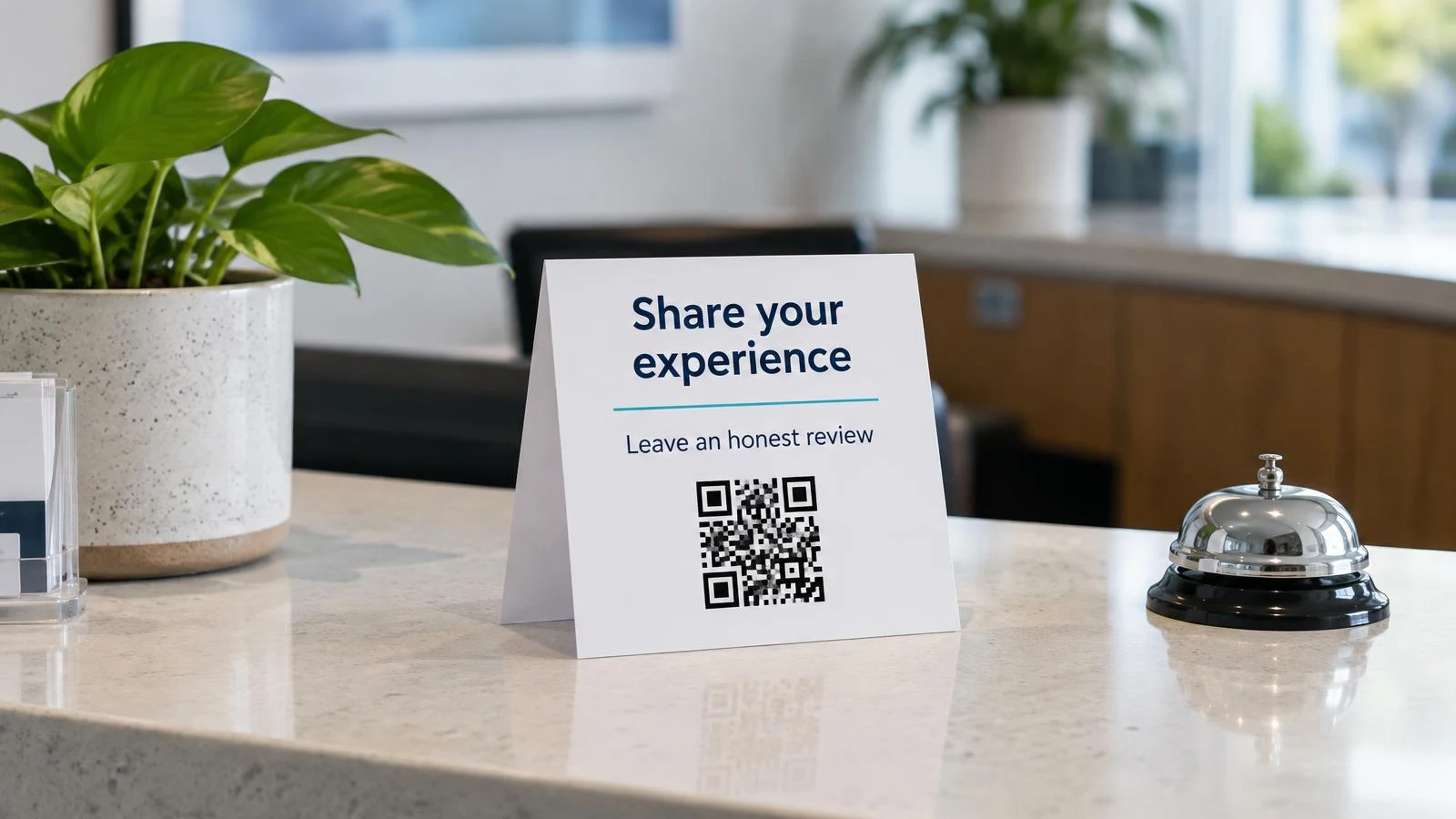
Google provides a review link and QR code in your Business Profile under “Get more reviews” (Google). Make asking a normal part of service:
- Send the link by WhatsApp, SMS or email after an appointment, delivery or visit.
- Print the QR code on the bill folder, reception desk or invoice.
- Ask everyone, not just customers you think are happy.
Time the request soon after the experience while it is fresh.
How to reply to reviews
Reply to positive and negative reviews alike. Thank people specifically. For complaints, acknowledge the issue, avoid arguing in public, and offer a way to resolve it offline. Clinics and other regulated businesses must not confirm that someone is a patient or discuss their treatment in a reply.
Review practices to avoid
Google’s Maps user-generated content policy treats manipulated reviews as fake engagement, which is removed and can lead to restrictions on the profile. Avoid:
- offering discounts, freebies or donations in exchange for reviews
- review gating, which means screening customers and sending only satisfied ones to Google
- asking customers to change or delete a negative review in exchange for something
- reviews from owners, staff or family about their own business
- buying reviews or using review-exchange groups
Google updates this policy from time to time, including rules on how staff ask for reviews, so read the current version before setting targets for your team.
4. Create location and service pages worth visiting
Your website supports your profile. The page your profile links to should make the business, the location, the services and the next step obvious. This is where location pages come in, and where many businesses go wrong.
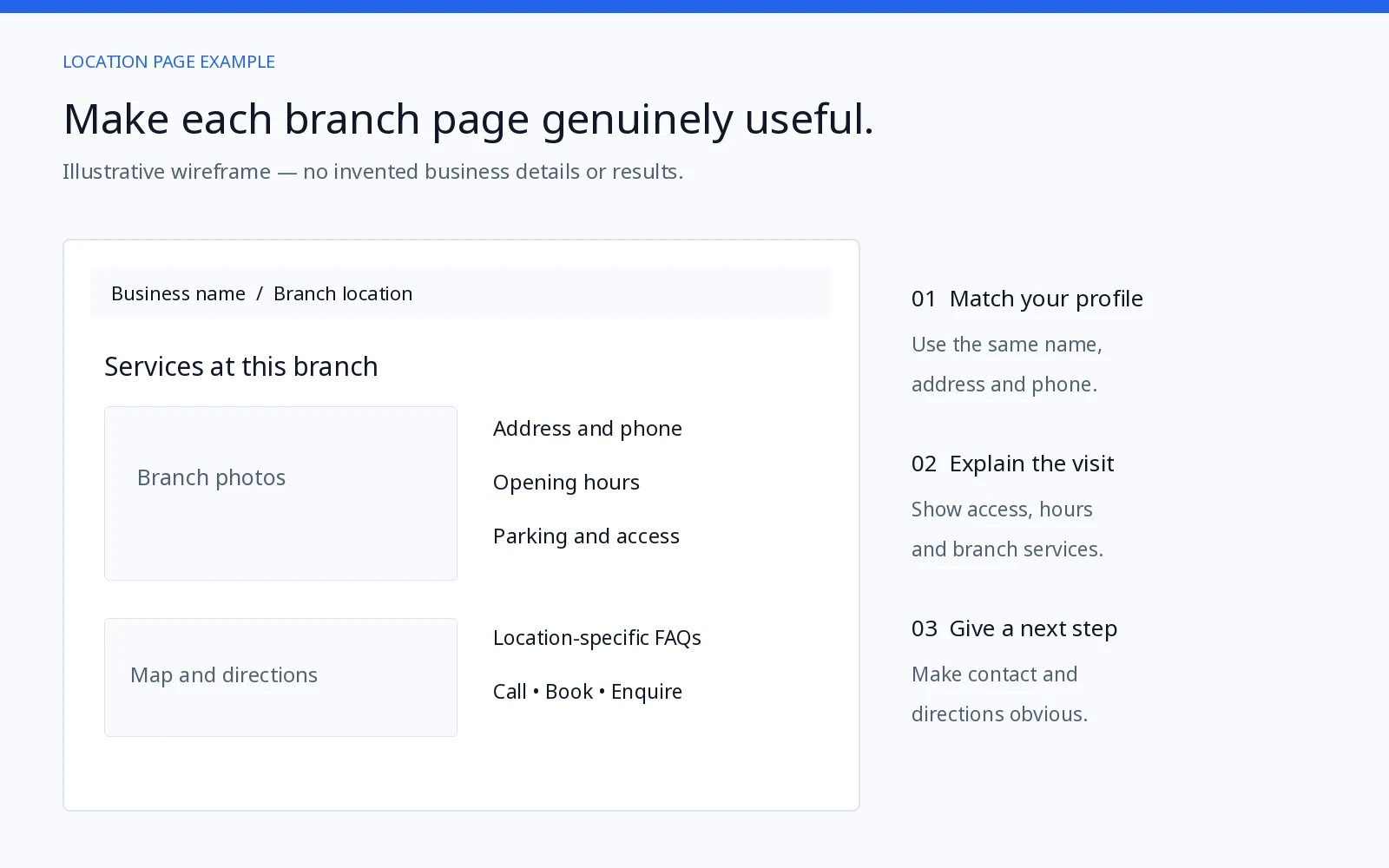
What a useful location page includes
- The exact NAP for that branch, matching the profile
- An embedded map and directions from nearby landmarks or transport
- Opening hours and parking or access details
- Services offered at that branch, which may differ from other branches
- Photos of that branch and, where relevant, the team there
- Reviews or testimonials from customers of that branch, if you have permission to show them
- Answers to questions specific to that location
- A clear call to action: call, book, get directions or send an enquiry
For a single-location business, your contact page and service pages can do this job; you may not need a separate location page.
How to avoid thin city pages
Google’s spam policies name doorway abuse: pages created to rank for similar searches that lead users to intermediate pages less useful than the final destination (Google Search Central). Twenty pages that are identical apart from the city name fit that pattern.
A quick test: would this page still be worth publishing if search engines did not exist? A branch with its own address, staff and services passes. A page for a suburb you occasionally serve, with copied text, does not. For service-area businesses, one strong service page that lists the areas you cover, supported by genuinely different content where demand justifies it, is usually safer than dozens of near-duplicate pages.
5. Add LocalBusiness structured data
Structured data is code that describes your business in a format search engines read reliably. Google’s documentation asks you to use the most specific LocalBusiness subtype possible, such as Dentist, Restaurant or HealthClub (Google Search Central).
Include at least name, address, phone, URL, opening hours and geo-coordinates, and make sure every value matches your profile and the visible page. Put each branch’s markup on its own location page. Then test the page with Google’s Rich Results Test and the Schema Markup Validator, and check Search Console for errors.
Schema helps search engines understand your details. It is not a shortcut to the map pack, and markup that contradicts the page does more harm than none.
6. Build citations and local links
Local citations are mentions of your business details on other sites, usually directories. Their main value is accuracy and consistency, so fix what already exists before adding new ones. Prioritise the platforms your customers actually use and those specific to your industry over long lists of generic directories.
Local links come from real relationships. Ideas that fit most local businesses:
- local business associations or chambers of commerce you belong to
- suppliers, manufacturers or brands you stock (common for showrooms)
- community events, charity drives or sports teams you genuinely sponsor
- local news coverage of something newsworthy you did
- partner businesses, such as a caterer and the venue it works with
Google’s spam policies treat paid links meant to manipulate rankings as link spam; sponsored links should be marked with rel=“sponsored” or rel=“nofollow”.
7. Check the technical basics
Local customers mostly search on phones, often while on the move. Check that:
- the site works well on mobile and loads quickly (use PageSpeed Insights)
- phone numbers are tap-to-call and addresses open in maps
- important pages are indexed (use Search Console’s URL Inspection tool)
- the site runs on HTTPS
- location and service pages are linked from your main navigation, not hidden
- there is an XML sitemap submitted in Search Console
A full technical audit goes further than this. For local visibility, these are the checks that most often matter.
8. Track calls, directions and enquiries
Without tracking, you cannot tell whether any of this work brings customers. Your Business Profile’s performance report shows interactions such as calls, website clicks and direction requests (Google). These numbers are useful, but they have limits: a call click is a tap on the call button, not an answered or qualified call, and website clicks only count the main website link.
Build a fuller picture with three additions:
- UTM parameters on your profile’s website link, so Google Analytics 4 separates profile visits from other Google traffic.
- Conversion tracking on your website for form submissions, WhatsApp clicks and call clicks.
- A simple enquiry log or call tracking, recording where each new customer heard of you.
| Monthly measure | Where it comes from |
|---|---|
| Profile calls, direction requests, website clicks | Business Profile performance |
| Visits and enquiries from the profile link | GA4 with UTM-tagged link |
| Rankings for your main service searches from different parts of your area | A local rank tracker or manual checks |
| New reviews and average rating | Business Profile |
| Qualified enquiries and bookings | Your enquiry log or CRM |
The last row is the one that matters most to the business. The others explain why it moved.
If setting up tracking feels like a project in itself, our help with local search covers it.
How the checklist changes by business type
| Business type | Pay extra attention to |
|---|---|
| Clinics and practices | Practitioner profiles for each doctor, appointment rules, privacy in review replies, accurate categories for each specialty |
| Restaurants and cafés | Menu and dine-in hours, food photos, delivery platform listings matching your NAP, review volume |
| Showrooms and retail | Brands stocked, product photos, parking and access, links from brands or manufacturers |
| Service-area businesses | Hidden address, realistic service area, strong service pages, avoiding near-duplicate area pages |
| Multi-branch businesses | One profile per branch, consistent naming, a genuinely useful page per branch, per-branch tracking |
Monthly and quarterly upkeep
Local SEO is not a one-off project. A sensible rhythm for most businesses:
- Monthly: reply to reviews, add fresh photos or posts, check profile information has not been changed by suggested edits, and review your tracking numbers.
- Quarterly: audit NAP on your main listings, review categories and services, refresh location pages, and check for new duplicate profiles.
- Whenever something changes: update hours, phone numbers, addresses and services everywhere at once.
What local SEO cannot do
It is worth being clear about the limits:
- It cannot move your location. A business on the edge of town will usually struggle to appear for searchers on the other side of the city, whatever else it does.
- It cannot guarantee a place in the top three map results. Results also vary by where the searcher is standing.
- It takes time. Profile fixes can show effects quickly, while reviews, links and content build over months.
- It cannot compensate for poor service. Reviews reflect the real experience.
Local SEO checklist FAQs
Simple fixes, such as correcting categories or hours on your Google Business Profile, can show effects within weeks. Gains from reviews, links and new pages usually take several months. Timelines depend on your competition and starting point, so treat any fixed promise with caution.
A profile can work on its own, but a website gives Google more information about your services and location, and gives customers somewhere to check you out before calling. Google also says your position in web results feeds into local prominence.
One for each real branch customers can visit. For service-area businesses, create separate area pages only where you have genuinely different, useful content for that area. Copying the same page with a new city name risks breaching Google’s doorway abuse policy.
No. Google’s policy treats reviews incentivised with discounts, free goods or services as fake engagement. Ask every customer for honest local reviews without offering anything in return.
It means your business name, address and phone number appear in the same format on your website, your profile and every listing. Consistent details make it easier for customers and search engines to trust that the information is correct.
Accurate local citations on the platforms your customers use are worth maintaining. Mass submission to hundreds of low-quality directories is rarely worth the effort.
Next step: get a second pair of eyes
Work through this local SEO checklist in order: profile and NAP first, then reviews, pages, schema and links, with tracking running throughout. Most businesses find two or three items that are holding everything else back.
If you would like an outside view of where your business stands, our local SEO team can review your profile, listings and location pages and show you what to fix first. Request a local visibility review.